
Every week, Pakistani creators go live, answer questions from their fans, and then watch the recording disappear into the archive. The smart ones do something different. They cut the best moments from that live Q&A session and turn them into short Reels that keep growing long after the live ends. One live session becomes a week of content, and every clip brings new viewers back to the creator’s page.
The idea is simple: a live Q&A is full of real questions, honest answers, and unplanned moments that viewers love. When creators slice those moments into short vertical clips, they get content that feels real and keeps working for them day after day. And for creators who want to add a fresh voiceover or a clean intro to those clips without recording again, On4t’s AI Voices can turn a written script into natural-sounding speech in minutes.
Why Live Q&A Moments Make the Best Reels
A live Q&A is different from a planned video in one important way: the audience is part of it. Viewers ask the questions, react in real time, and shape the conversation. That makes the answers feel personal and trustworthy. When a creator answers a fan’s question live, thousands of other viewers with the same question feel seen too.
Short clips from these sessions also travel further than the full live recording. Most people will not sit through an hour-long replay, but they will watch a forty-second clip that answers one clear question. That is why creators who repurpose their live sessions often find their Reels reaching people who never watched the live at all.
| Clip type | What it shows | Why viewers love it |
|---|---|---|
| The honest answer | A real question, answered live | Feels personal and trustworthy |
| The funny moment | An unplanned joke or reaction | Gets shared and saved |
| The quick tip | One useful idea in under a minute | Easy to rewatch and follow |
| The fan shout-out | A viewer’s name or comment on screen | Makes fans feel part of the community |
| The behind-the-scenes peek | What happened before or after the live | Builds a closer connection |
| The myth-buster | A wrong idea corrected gently | Sparks comments and discussion |
Step 1: Plan the Q&A So It Produces Clips
The best repurposed Reels start before the live even begins. Creators who plan a few strong questions in advance always end up with better clips. They ask their followers to send questions a day before the session, then pick the ones that most people want answered. That way the live has a clear shape instead of wandering from topic to topic.
It also helps to announce the theme of the session in advance. A live built around one topic, like skincare mistakes or starting a small business, gives viewers a reason to show up and gives the creator focused answers to clip later.
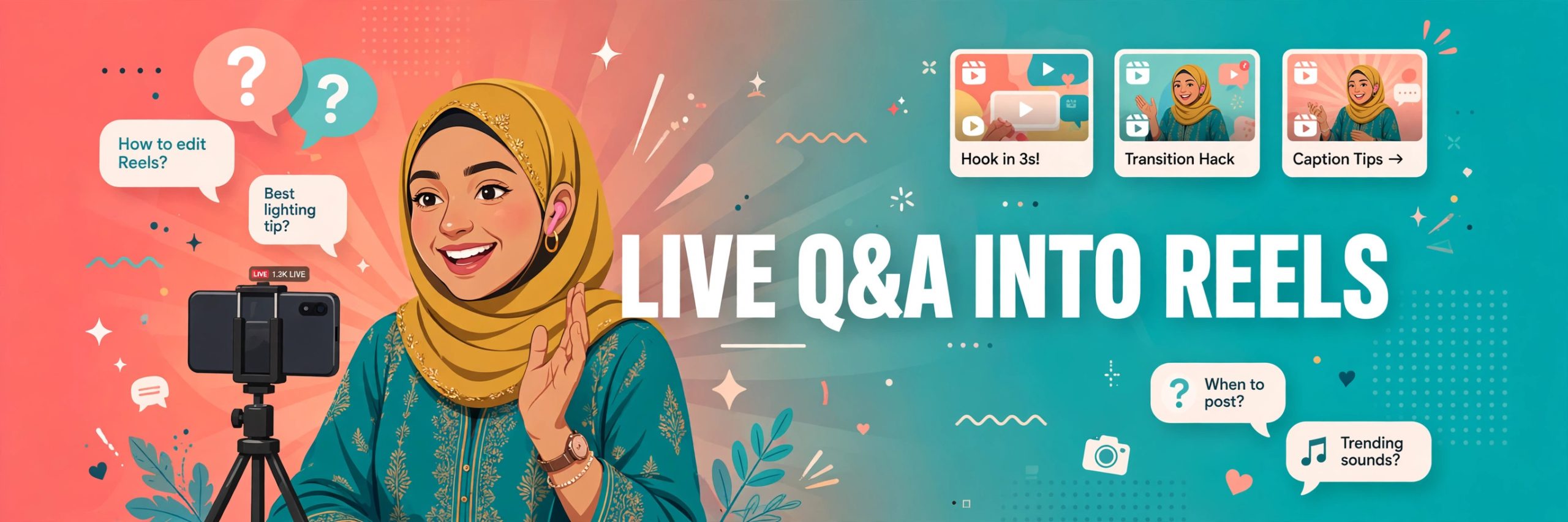
During the live, experienced creators mark their favourite moments as they happen. Some keep a notebook beside them and write down the time whenever a great answer lands. Others simply say the word “clip” out loud so they can find the moment easily in the recording later. This small habit saves hours of rewatching.
Step 2: Pick the Moments That Stand Alone
Not every minute of a live session deserves to become a Reel. The moments that work best are the ones that make sense without any background. If a viewer who never watched the live can understand the clip in five seconds, it is a winner.
Look for answers that start with a clear question on screen. When the question appears as text at the start of the clip, viewers instantly know what the video is about. Answers that solve a real problem, correct a common mistake, or share a personal story tend to perform best.
Step 3: Cut Tight and Add Captions
A live answer usually runs for two or three minutes. A Reel needs it in under a minute, often closer to thirty or forty seconds. That means cutting out the pauses, the repeated words, and the slow build-up. The clip should start with the most interesting line, not with a greeting.
Captions matter more than most creators realise. Many viewers watch Reels with the sound off, especially late at night or in public places. Bold, easy-to-read captions keep those viewers watching and help the clip reach people who speak different languages.
Step 4: Give Each Clip a Fresh Hook
Posting the same clip with the same caption every time is a missed opportunity. Each Reel from one live session should feel like a new video, with its own hook and its own angle. One clip can open with the question itself. Another can open with the most surprising part of the answer. A third can open with a fan’s reaction.
Creators also change the on-screen text for each clip so that someone scrolling through their profile sees variety, not repetition. A series of clips from one session can even be numbered, so viewers who enjoyed the first one go looking for the rest. That turns a single live into a small series that keeps people coming back.
Some creators add a short voiceover intro to a clip to give it context. Instead of recording the intro again and again, they write a one-line script and generate the audio with a voice tool. On4t’s AI Voices lets creators pick a voice, type their line, and download the audio to place over the clip, which keeps the workflow fast and consistent.
Step 5: Space the Clips Out Over the Week
Posting all the clips from one live session on the same day wastes their potential. The creators who grow fastest spread them out, posting one or two clips a day over the following week. Each clip reaches a slightly different audience, and each one reminds viewers that the creator goes live regularly.
A good rhythm is to post the strongest clip first, while the live is still fresh in viewers’ minds, then release the rest over the next several days. Creators often pin the best-performing clip to the top of their profile so new visitors see it first.
Step 6: Turn Comments Into the Next Live
Every Reel from a Q&A session generates new questions in its comments. Smart creators collect those questions and use them as the starting point for the next live session. That way the content never runs out, and the audience feels heard because their questions literally become the next video.
This cycle is what makes the strategy sustainable. One live session produces a week of Reels. Those Reels produce questions. Those questions produce the next live session. Creators who follow this loop rarely struggle with ideas, because their audience keeps supplying them.
Step 7: Keep the Quality Consistent, Not Perfect
Viewers do not expect studio quality from a clip taken from a live session. They expect honesty. A clip with slightly imperfect lighting but a great answer will always beat a polished clip with nothing to say. That is the whole advantage of this strategy: the content is real, and real content builds trust faster than perfect content.
That said, a few basics help. Good lighting on the creator’s face, clear audio, and steady framing make every clip easier to watch. Creators who go live from the same spot each time, with the same simple background, build a recognisable look that viewers spot instantly while scrolling.
Consistency also means showing up live on a regular schedule. When followers know the Q&A happens every week at the same time, they plan around it and send questions in advance. The live becomes a habit for the audience, and the clips become a habit for the feed.
What Pakistani Creators Can Learn From This
Pakistani creators have a natural advantage with this format. Their audiences are highly engaged, ask thoughtful questions, and love personal, conversational content. A live Q&A in Urdu, Punjabi, or a mix of languages feels warm and familiar in a way that scripted content rarely does. Clips from those sessions carry that warmth with them wherever they travel.
Family vloggers, food creators, fashion voices, and educators all use the same approach in different ways. A food creator answers a question about a recipe and the clip becomes a cooking tip. A fashion creator answers a styling question and the clip becomes a lookbook moment. The format fits almost every niche because every niche has questions worth answering.
FAQs
How many Reels can one live Q&A session produce?
A focused hour-long session usually gives three to eight usable clips. Sessions with a clear theme and strong questions tend to produce more, because the answers stay on topic and stand alone well.
How long should each clip be?
Most creators aim for thirty to sixty seconds. The clip should be long enough to answer one question properly and short enough that viewers watch it to the end.
Do I need expensive editing software to cut clips?
No. Most creators cut their clips with free phone apps. The important skills are picking the right moment, cutting the pauses, and adding clear captions, not fancy effects.
Should I post clips on TikTok, Reels, or both?
Both, but natively on each platform rather than re-uploading the same file with another platform’s watermark. A small re-edit for each platform, with fresh captions, performs better than a direct cross-post.
How do I handle rude or off-topic questions in clips?
Simply leave them out. Only clip the questions that add value for your wider audience. Keeping the clips positive and useful protects the tone of your page and keeps new viewers comfortable.
Can AI voices help with repurposed clips?
Yes. Creators often use AI-generated voiceovers for short intros, recaps, or translated versions of a clip, which saves recording time and keeps the audio quality consistent across a series.
The Bottom Line
Live Q&A sessions are one of the most underused resources a creator has. The questions are real, the answers are honest, and the moments are already recorded. Turning those moments into short Reels is not extra work, it is simply finishing the job the live started.
Start small: pick one strong answer from your next live, cut it tight, add captions, and post it the same evening. Watch how it performs, read the comments, and let the audience tell you which moment to clip next. Within a few weeks, one live session a week can fill your feed with content that keeps growing, keeps bringing new viewers, and keeps your community talking.
On4t is not affiliated with or endorsed by TikTok.