
There is a tiny corner of Instagram that most creators ignore — and the smartest Pakistani creators are quietly using it to make their next video land harder. It sits at the very top of the DM inbox, it holds only sixty characters, and it disappears in a day. It is called Instagram Notes, and when it is used as a teaser, it can turn a casual follower into someone who is actively waiting for your next upload.
A Note is not a post, not a Story and not a Reel. It is a short text bubble that appears above the messages of the people who follow you back. Because it lives where conversations happen, a good Note feels personal — like a friend whispering that something is coming — instead of another piece of content shouting for attention. Creators who plan their launches around Notes, and then check which teasers actually pulled viewers in with a tool like the TikTok Video Analytics Checker, are building a repeatable system instead of guessing what their audience wants.
What Instagram Notes Actually Are
Instagram Notes are short text updates of up to sixty characters, including spaces and emojis. They appear in a row at the top of the direct-message inbox and stay visible for twenty-four hours. Only mutual followers — people who follow you and whom you follow back — or your Close Friends list can see them, depending on the audience you choose.
That small audience rule is the whole point. A Note is not broadcast to the world; it goes to the people who already care enough to follow you and whom you have followed back. Replies to a Note land as direct messages, so a teaser does not just get seen — it starts conversations. You cannot see who viewed your Note, which keeps the whole thing low-pressure for everyone involved.
Notes can also carry music. You can attach a short clip from Instagram’s music library alongside your text, hinting at the mood of an upcoming video without showing a single frame of it.
| Feature | How it works |
|---|---|
| Character limit | Up to 60 characters, including spaces and emojis |
| Where it appears | Top of the DM inbox, above conversations |
| How long it lasts | 24 hours, then it disappears |
| Who can see it | Mutual followers, or Close Friends only |
| Replies | Arrive as direct messages |
| Music | A short song clip can be attached |
Why a Teaser Works Better in Notes Than in Stories
Stories are visual, loud and crowded. A follower might tap through a dozen Stories in a minute, and your teaser is one frame among many. A Note is the opposite: it is the only text sitting quietly at the top of the inbox, waiting to be noticed when someone opens their messages — which most people do many times a day.
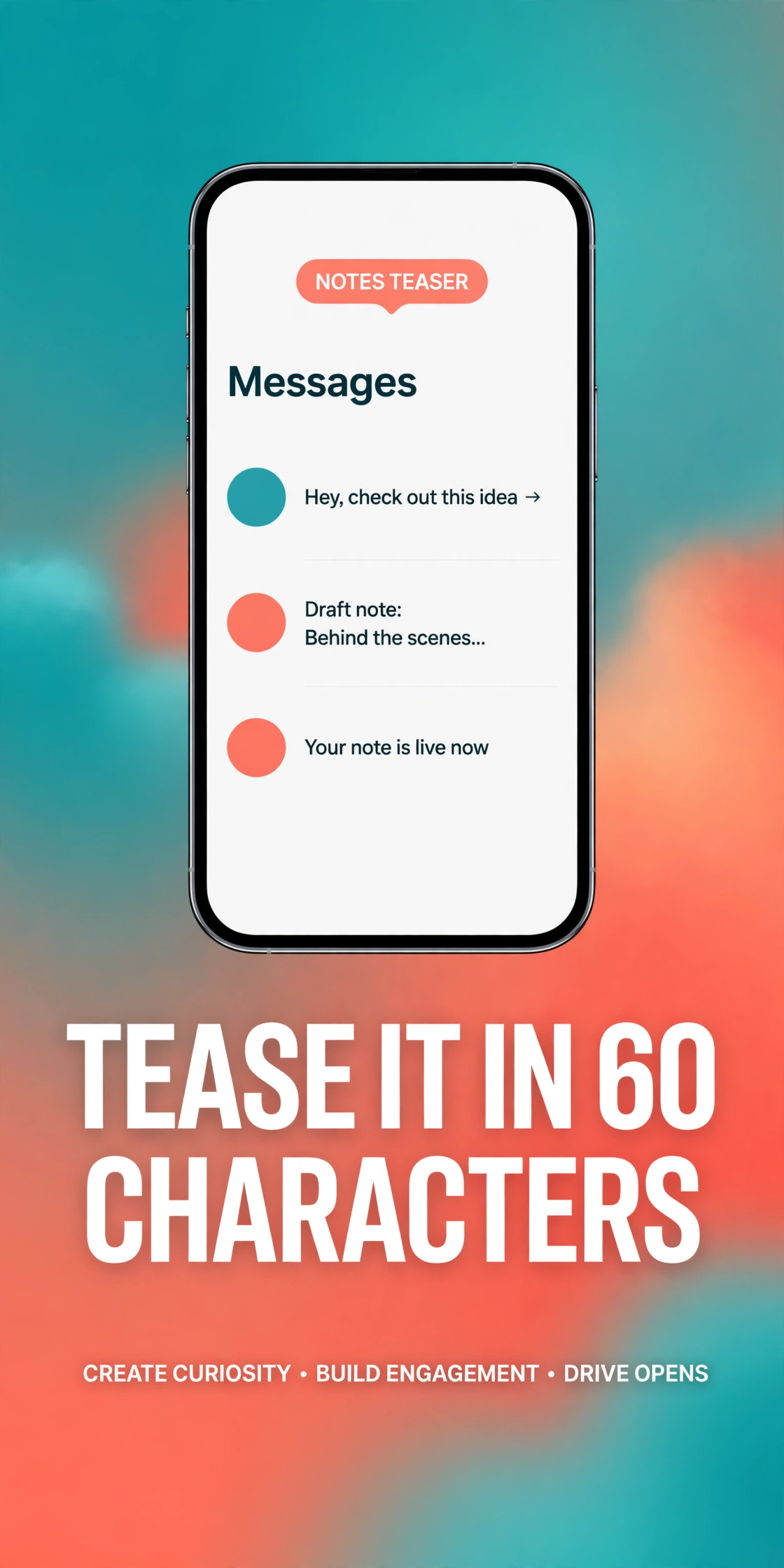
That placement changes the psychology completely. A Story says “look at me.” A Note says “I wanted you to know.” Followers treat it like a message from a person, not a broadcast from a brand, and that is why replies come so easily. A creator who posts “New video tonight, guess the topic” will often wake up to a thread of guesses, and every guess is a viewer who is now invested in the reveal.
Seven Note Styles Creators Use to Tease a Video
1. The countdown Note
“New vlog drops at 8 tonight” is simple, specific and hard to ignore. A time turns a vague promise into an appointment.
2. The question Note
Questions earn the most replies of any Note style. “Which title hits harder, A or B?” invites the follower to answer, and every answer is a DM conversation.
3. The music Note
Attaching a song clip is a teaser with almost no words at all. A travel creator might share the track that plays over the opening shot; a comedy creator might drop the punchline song.
4. The behind-the-scenes Note
“Editing the funniest clip of my life” tells followers that work is happening without spoiling the result.
5. The choice Note
“Part 2 or a brand-new series?” gives followers a real say in what comes next. Creators who let their audience choose the next video earn something no algorithm can give them: a crowd that feels ownership over the content.
6. The exclusive Note
Close Friends Notes are the VIP room of Instagram. A creator can tease a video to Close Friends first — a raw clip, an early title, a secret guest — and let that small group feel special.
7. The emoji-only Note
Sometimes sixty characters is too many. A short string of emojis — a camera, a clock, a fire — can say “something is coming” louder than a sentence.
The Tease Timeline: When to Post Each Note
A single Note is a spark. A sequence of Notes is a campaign. Two days before the video, post a curiosity Note: “Working on something different this week.” No details, no time, just a hook. One day before, post a detail Note: “Tomorrow, 7pm — my most requested video yet.” Now followers have a time and a reason to return. On the morning of the upload, post a final Note: “Tonight. You are not ready for this one.” After the video goes live, one last Note closes the loop: “It’s up — tell me your favourite part.”
How to Write a Note That Gets Replies
Sixty characters is not much room, so every word has to earn its place. The best teaser Notes are specific rather than vague — “New food video tonight” beats “Something coming soon” because it gives the reader a picture. They end with an open loop — a question, a choice or a half-finished thought — because a closed statement needs no reply. And they sound like the creator, not like an announcement board: the same casual tone they use in their videos.
Timing matters as much as wording. Notes posted in the evening, when followers are scrolling before bed, tend to get more replies than Notes posted in the middle of a workday. And a Note should never be repeated in the same day with the same message — followers notice repetition fast, and a repeated teaser feels like spam instead of excitement.
Mistakes That Waste a Good Note
The most common mistake is treating a Note like a billboard. A Note that reads like an advertisement — all caps, too many emojis, a pushy command — gets ignored, because the inbox is a personal space and people protect it. Notes work when they feel human, and they fail when they feel like marketing.
The second mistake is teasing too often. A creator who posts a teaser Note every single day trains followers to stop noticing them. Teasers work because they are occasional; save them for the videos that genuinely deserve the build-up. The third mistake is the empty promise: a Note that says “biggest video ever” and leads to an ordinary upload breaks trust fast.
Finally, many creators forget that Notes disappear in a day. A teaser posted too early vanishes before the video arrives, and a teaser posted too late arrives after the launch.
What Creators Learn From the Replies
Every reply to a teaser Note is a small piece of audience research, delivered for free. Which title got more guesses? Which topic made people ask follow-up questions? The answers tell a creator what their audience is hungry for, often more honestly than any comment section, because a DM feels private and safe. Over a few weeks a pattern appears — maybe question Notes outperform countdown Notes — and that pattern becomes a playbook for every future launch.
Frequently Asked Questions
What is the Instagram Notes character limit?
Notes allow up to sixty characters, including spaces and emojis. The limit forces creators to be short, specific and punchy, which is exactly what makes a teaser work.
How long does an Instagram Note stay visible?
A Note stays visible for twenty-four hours at the top of the DM inbox, then it disappears. That short window is why Notes work best as a day-before or day-of teaser.
Who can see my Instagram Notes?
Only mutual followers — people who follow you and whom you follow back — or your Close Friends list, depending on the audience you choose. Notes are never public, which is what makes them feel personal.
Can I add music to an Instagram Note?
Yes. You can attach a short clip from Instagram’s music library to a Note, a great way to hint at the mood or soundtrack of an upcoming video without revealing any footage.
Do replies to Notes go to my DMs?
Yes. When someone replies to your Note, their reply arrives as a direct message, which is why Notes are so good at starting real conversations with your most loyal followers.
Should I use Notes for every video I post?
No. Save teaser Notes for the videos that deserve a build-up. Using them for every upload trains followers to ignore them, while using them selectively keeps each teaser feeling special.
The Bottom Line
Instagram Notes are the smallest feature on the app and one of the most useful for creators who plan their launches. Sixty characters, twenty-four hours and an audience of mutual followers is all it takes to turn a quiet upload into an event people are waiting for. The creators who get the most from Notes treat them as the start of a conversation, not the end of one: they tease, they ask, they listen to the replies, and they let what they hear shape the next video.
Start small. Pick your next important video, post one curiosity Note two days before it drops, one detail Note the day before, and one final Note when it goes live. Watch which teaser pulled the strongest response, and check the video’s performance afterwards with the TikTok Video Analytics Checker to see the difference a good teaser makes. Do it for a month, and the pattern will tell you everything: your audience was waiting to be invited — they just needed sixty characters to know they were.
On4t is not affiliated with or endorsed by TikTok. Instagram Notes is a feature of Instagram; use it responsibly and respect your followers’ inbox — teasers work best when they feel like a friendly heads-up, not an advertisement.